Bathroom
AI Bathroom Design
Tile, vanity, brassware and light — the four decisions that make or break a bathroom, tested on your own photo.
Built around “ai bathroom design” · 720 US searches/month (2026-09) ·
This pair was rendered by RoomFloat from one photo — upload yours to try it
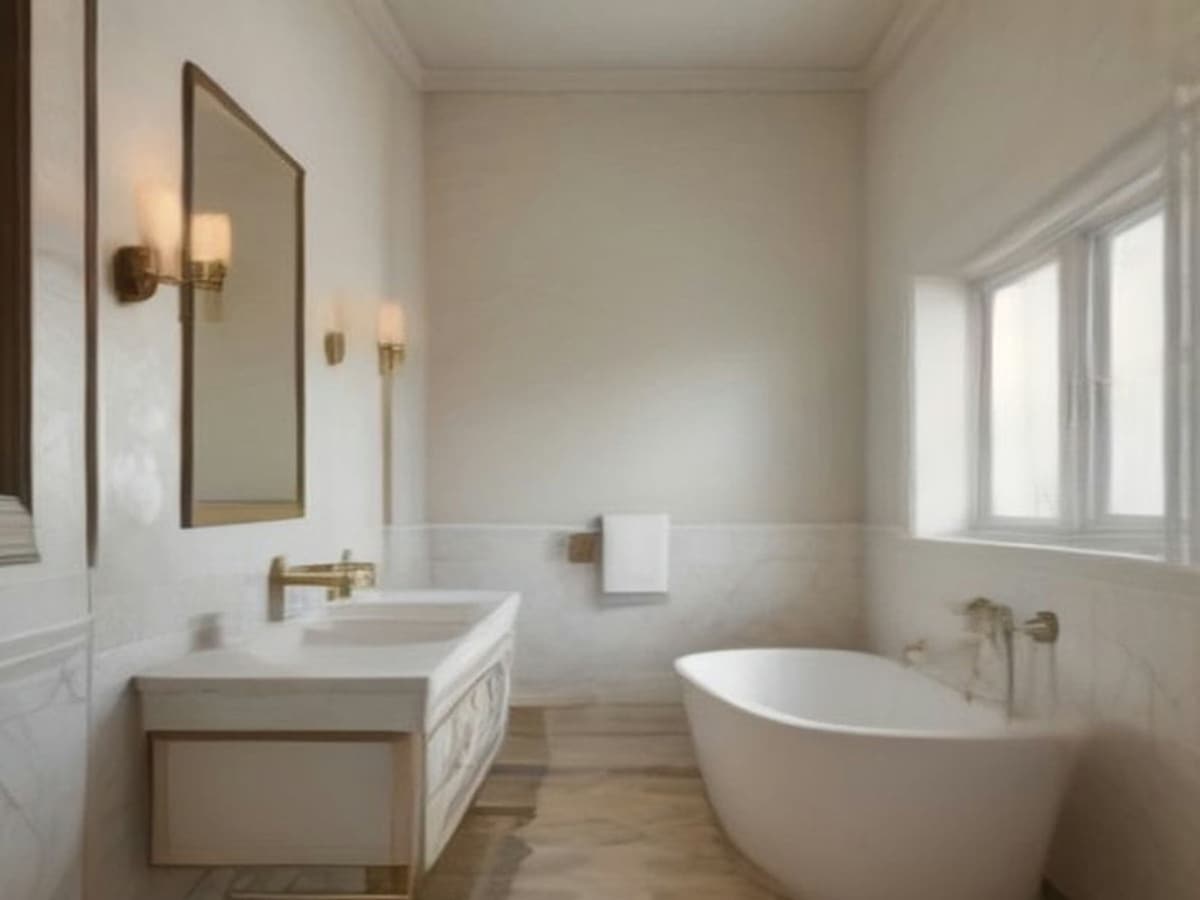
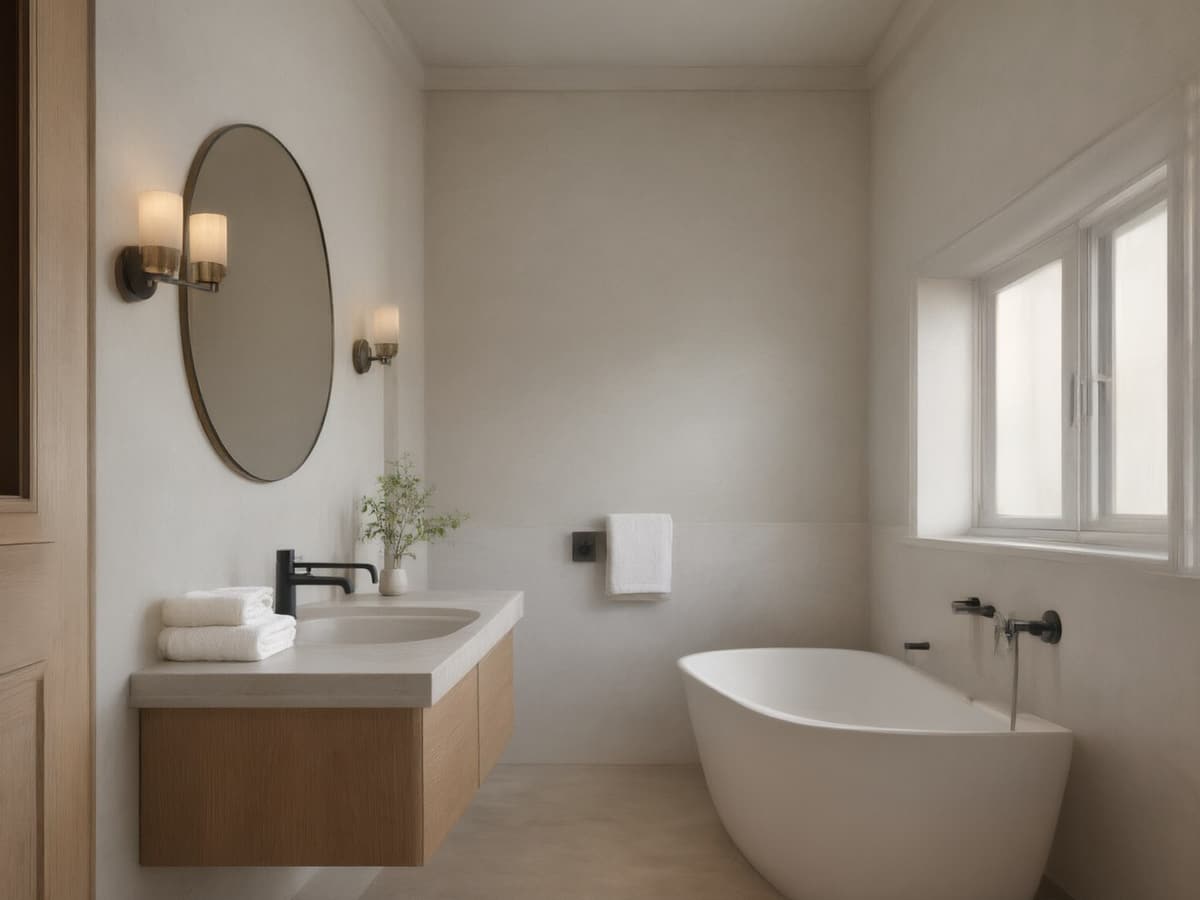
One-time payment · credits valid 12 months · commercial licence included · Photos are private and available for 7 days. Download the designs you want to keep.
No account, no card for the first run. Packs start at $9.90 and never renew automatically.
Bathroom Materials and Finishes
A bathroom is decided by four surfaces: floor tile, wall tile, vanity front and metal finish. Get those four in a coherent palette and the room works even if everything else is builder-grade. Get one wrong — usually the metal, mixing chrome tapware with a brushed brass mirror — and the whole room reads as a rental.
Ask for the materials by name rather than by style. "Large-format warm grey porcelain, oak vanity, brushed brass tapware, white walls" will produce a coherent room. "Modern bathroom" will produce a stock photo that happens to be your bathroom's shape.
- Match metal finishes across tapware, shower frame and mirror. This is the most common miss.
- Large-format tile on the floor makes a small bathroom read bigger; small hex tile does the opposite.
- A wall-hung vanity shows floor underneath, which adds visible square footage.
Small Bathrooms
Small bathrooms are a lighting problem disguised as a space problem. A render made from a photo with the ceiling light on will look flat and slightly yellow no matter what tile you choose; the same room with mirror lighting and a bright shower glass will look twice the size. Ask for the lighting change explicitly — it costs nothing and it is the single biggest improvement available.
Beyond light: run the tile to the ceiling so there is no horizontal band to stop the eye, use a glass screen instead of a curtain, and keep the floor and wall tile the same colour family so the room reads as one volume.
What AI Cannot Fix in a Bathroom
Waterproofing, drainage falls, extractor capacity and the position of the soil stack are invisible in a render and decisive in reality. A render will happily put a walk-in shower where the floor cannot drain, or a freestanding bath where the joists will not take the weight.
Use the render for the four surfaces and the light, then take the layout questions to a plumber. If you are changing the layout at all, get the render approved first so you only pay for one set of drawings.
If the bathroom has no window, say so in the instruction box. Otherwise renders tend to invent daylight that the room will never have.
Styles, one photo
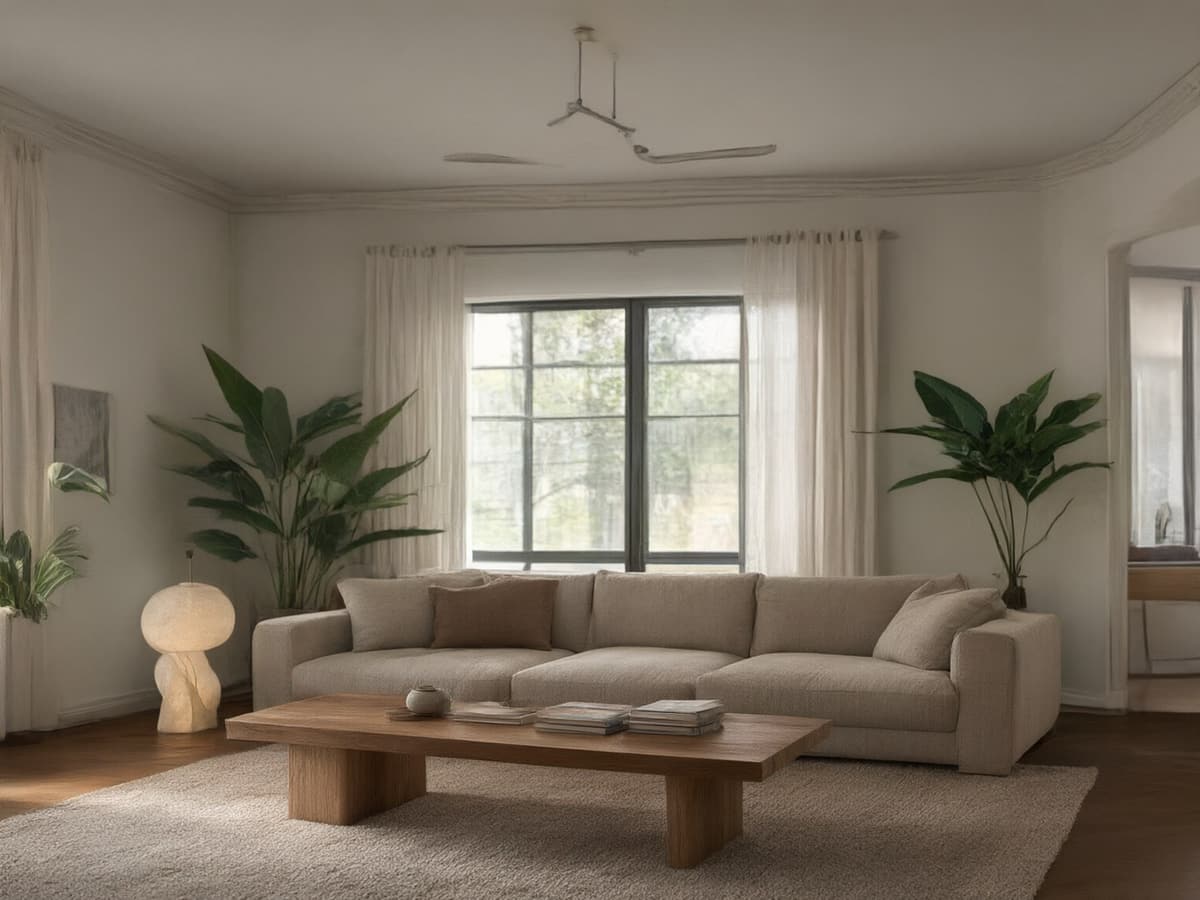
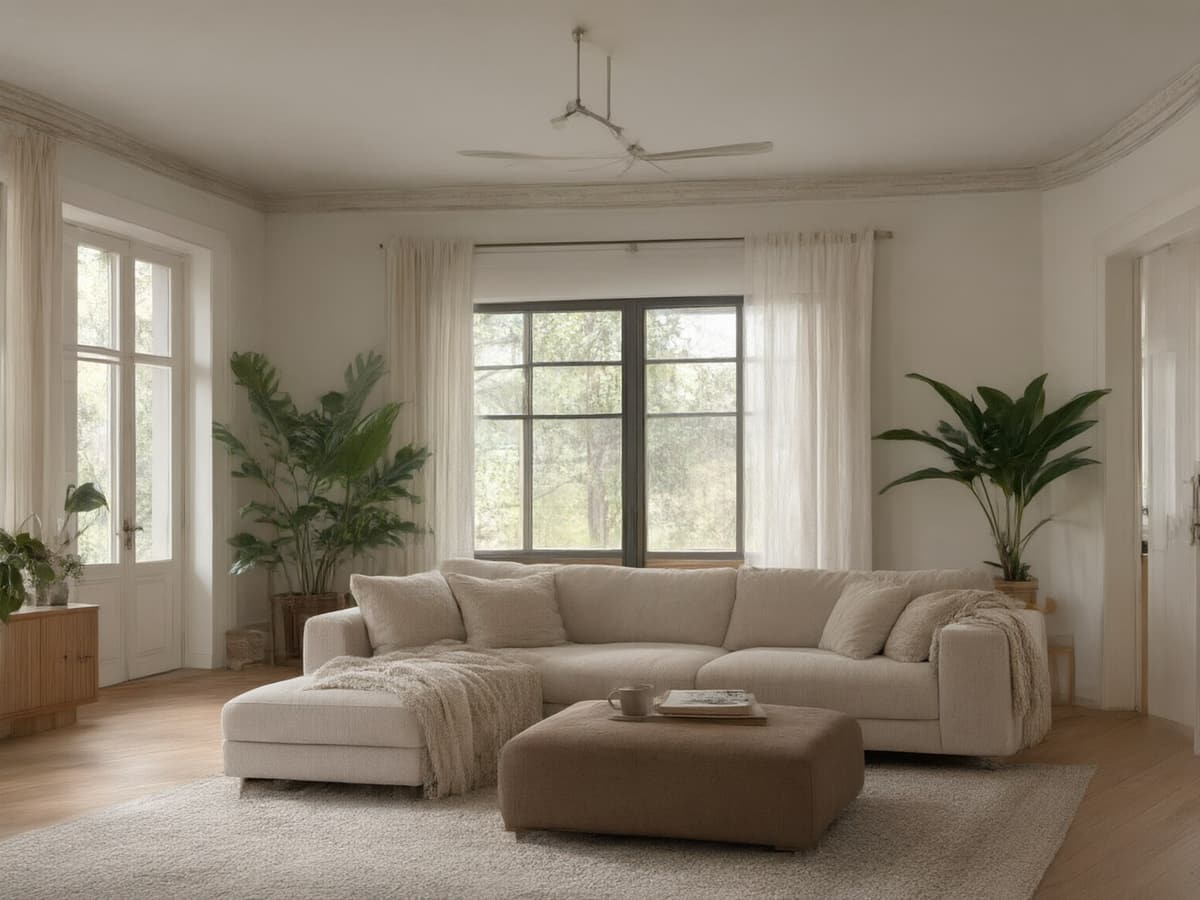
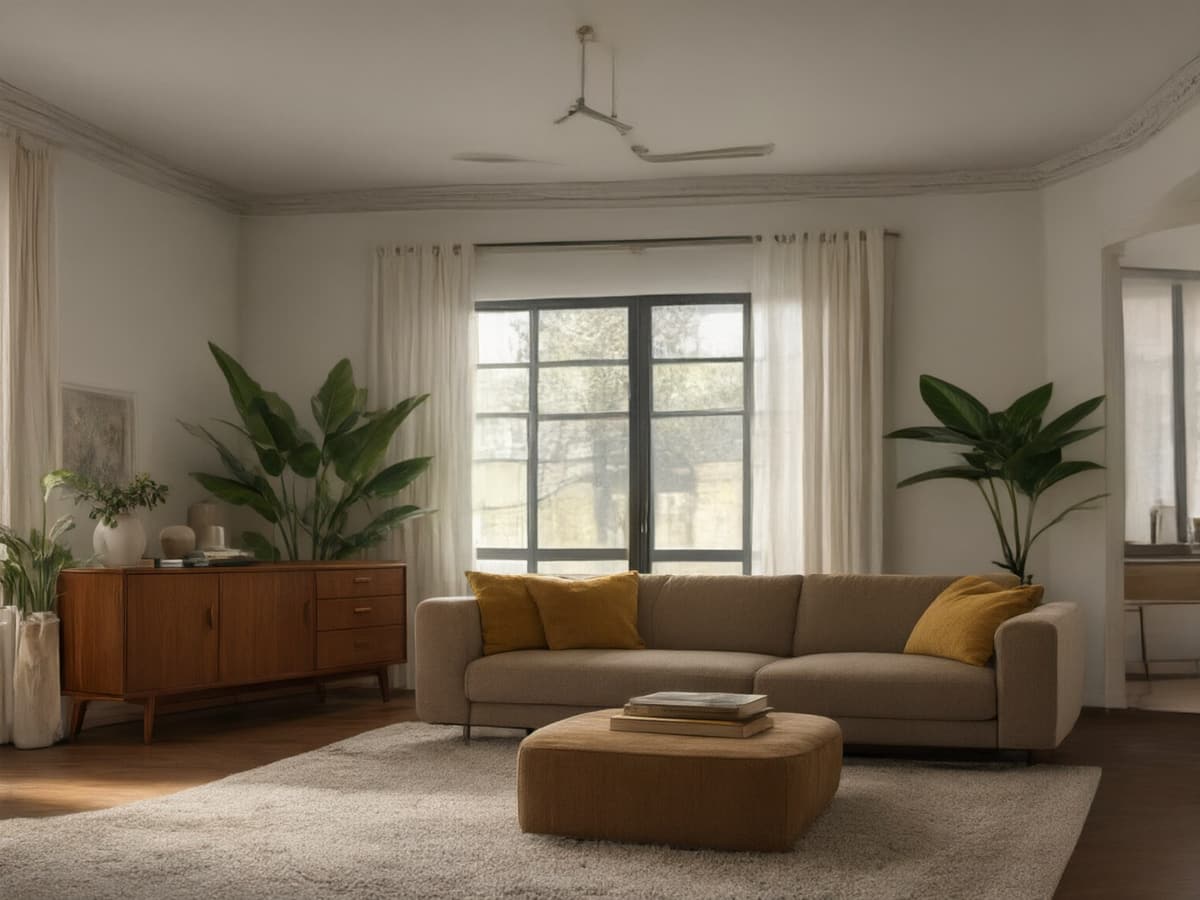
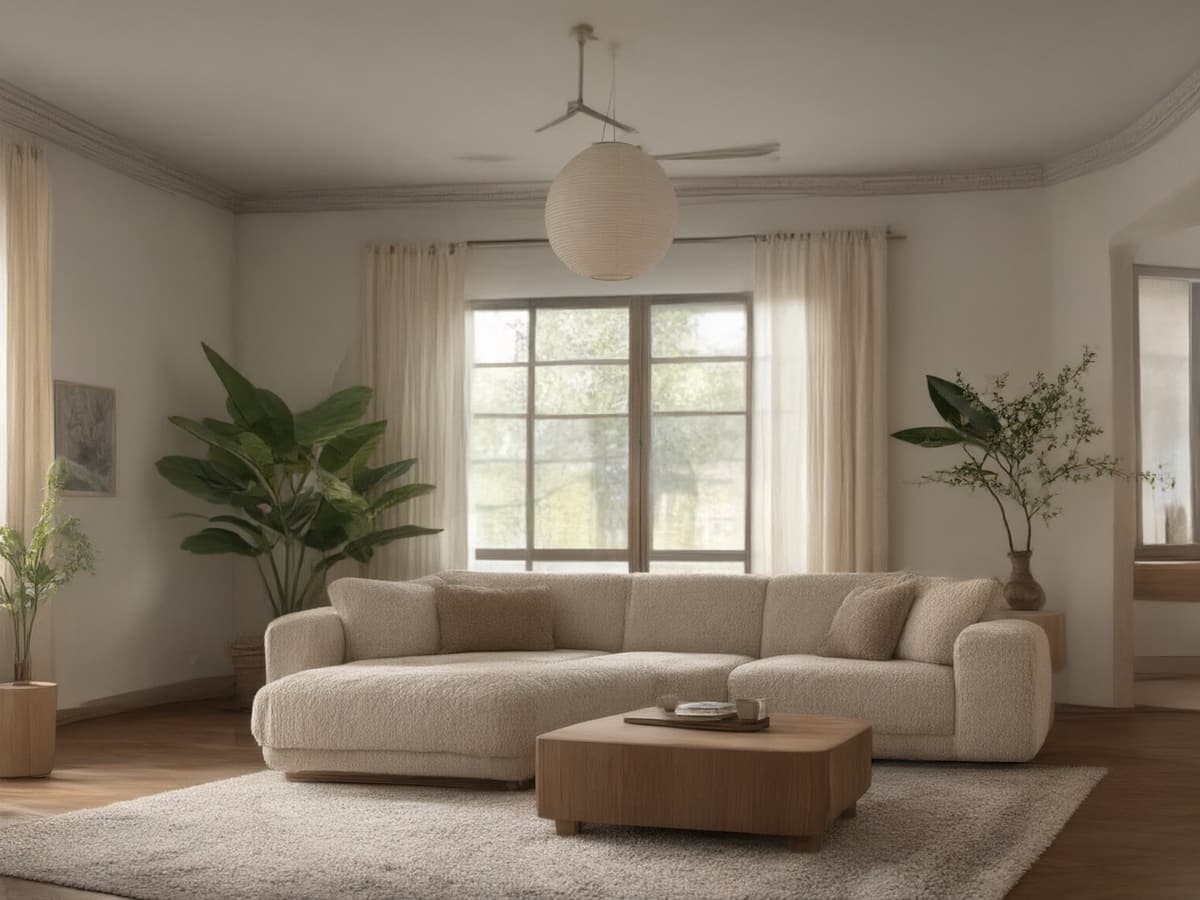
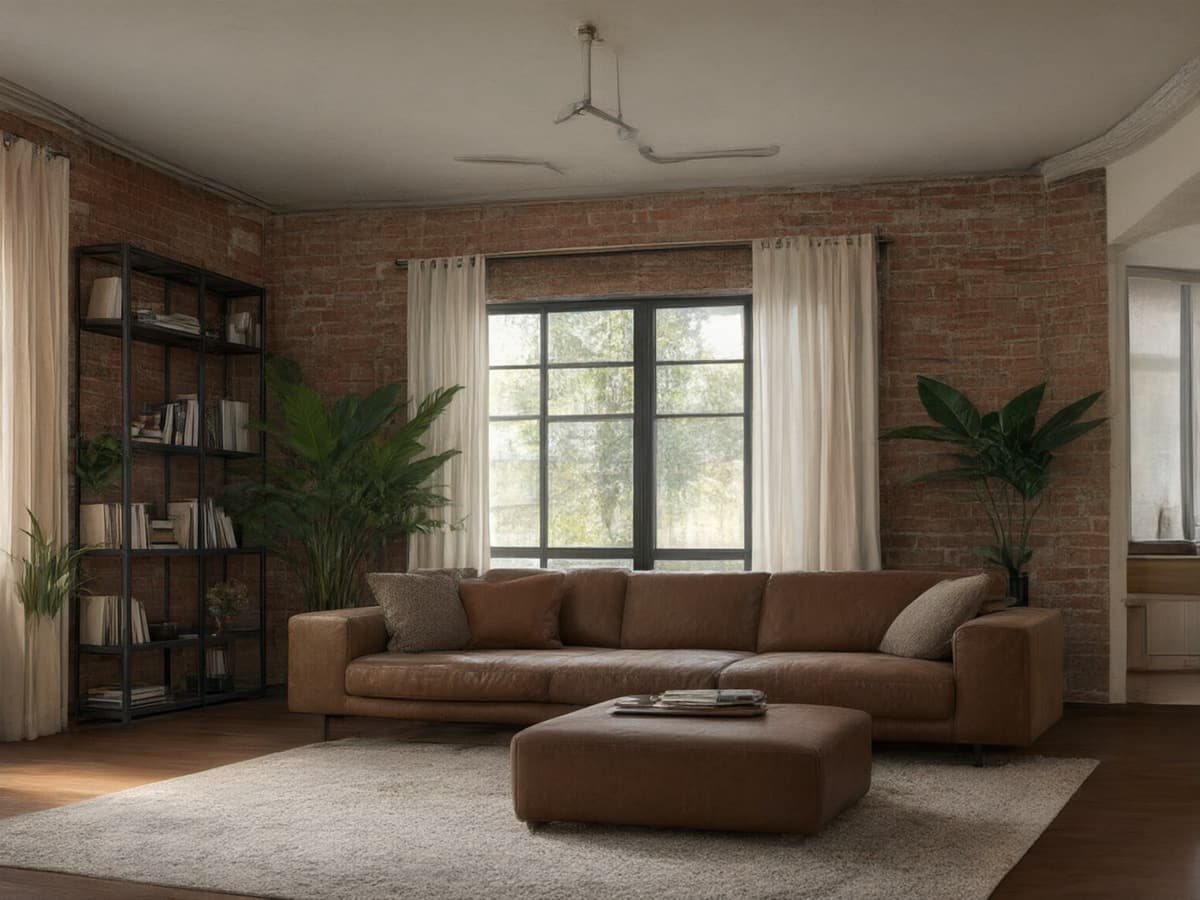
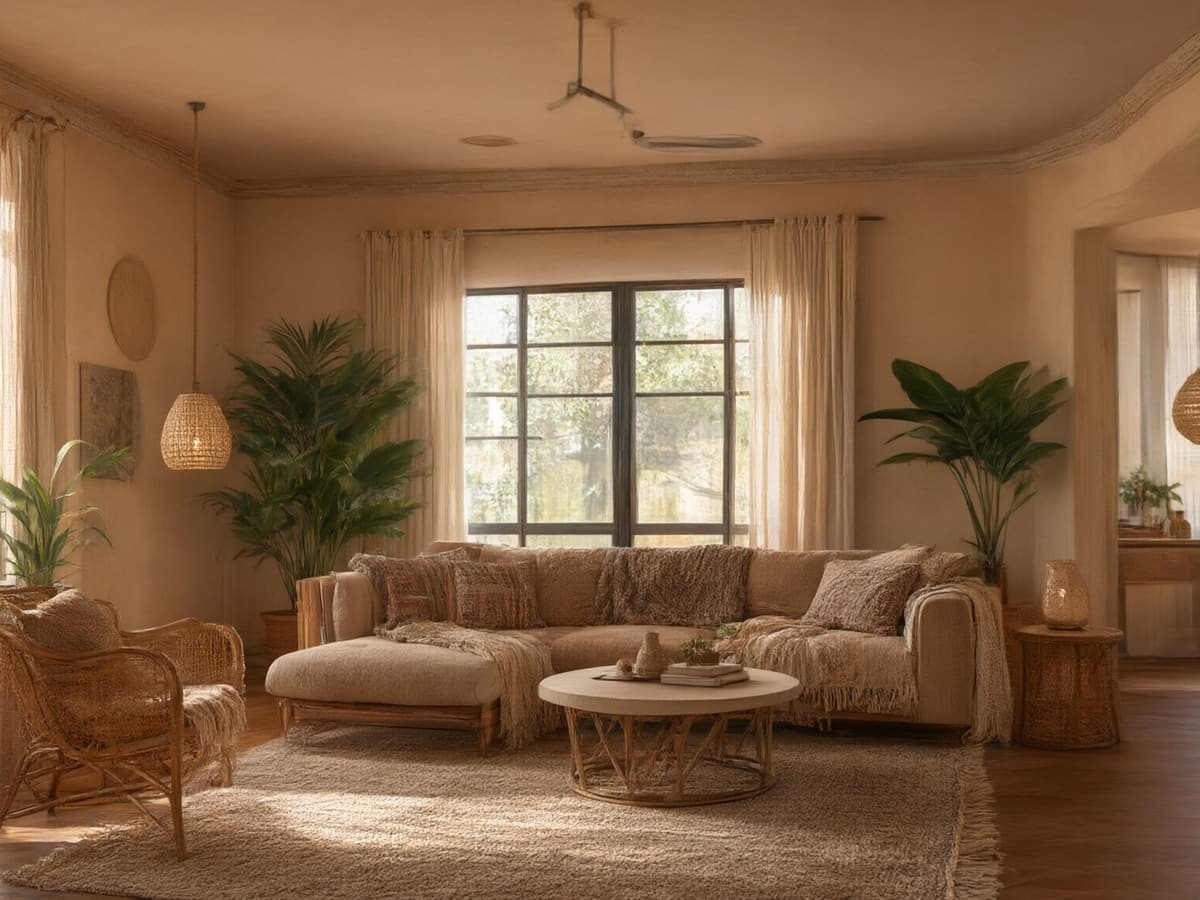
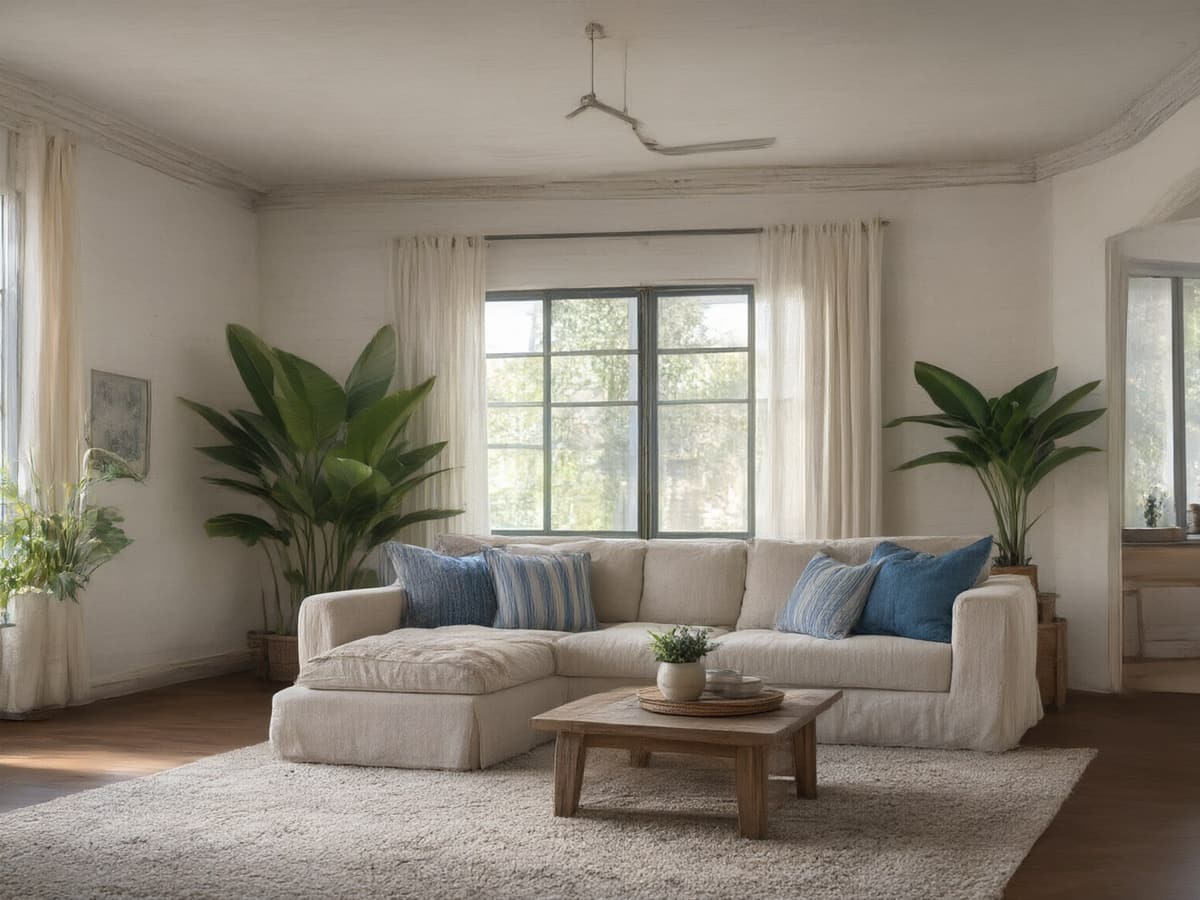
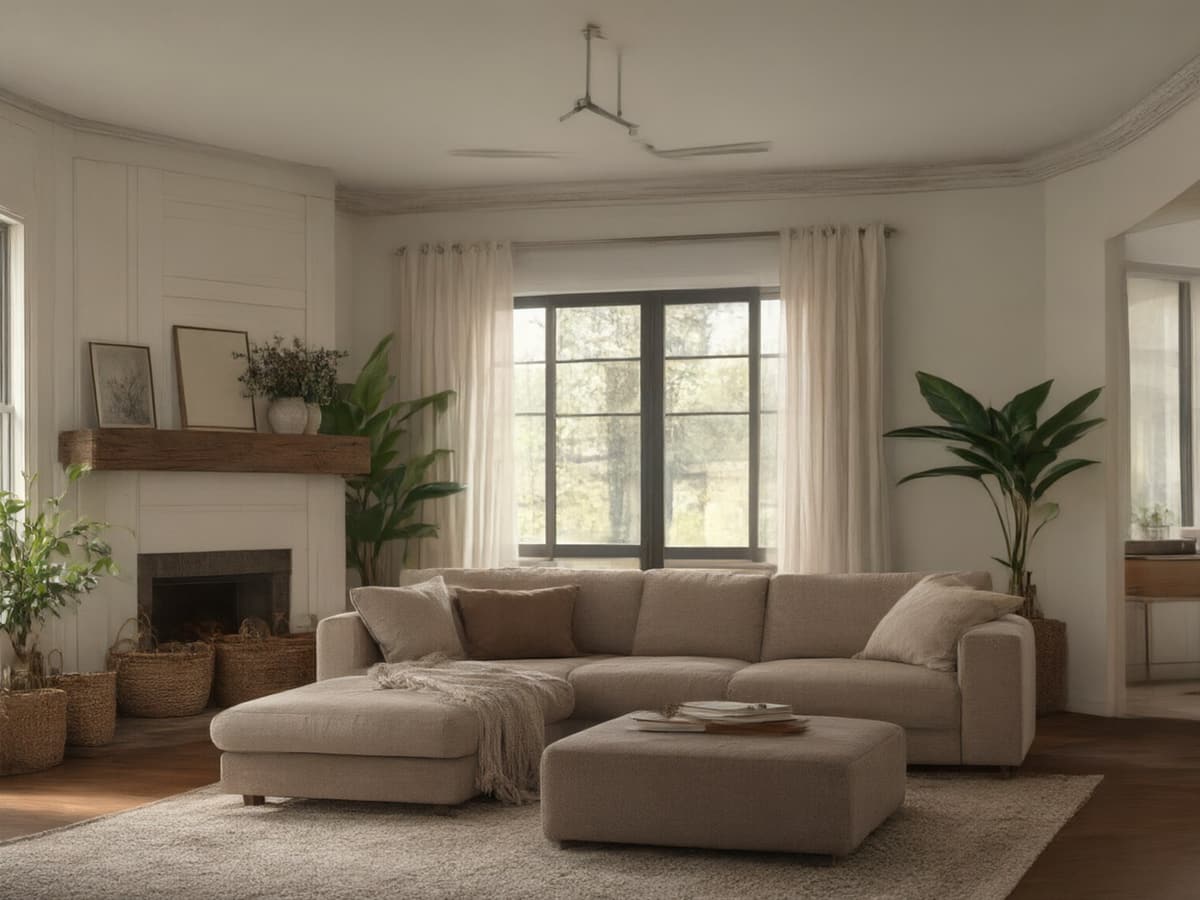
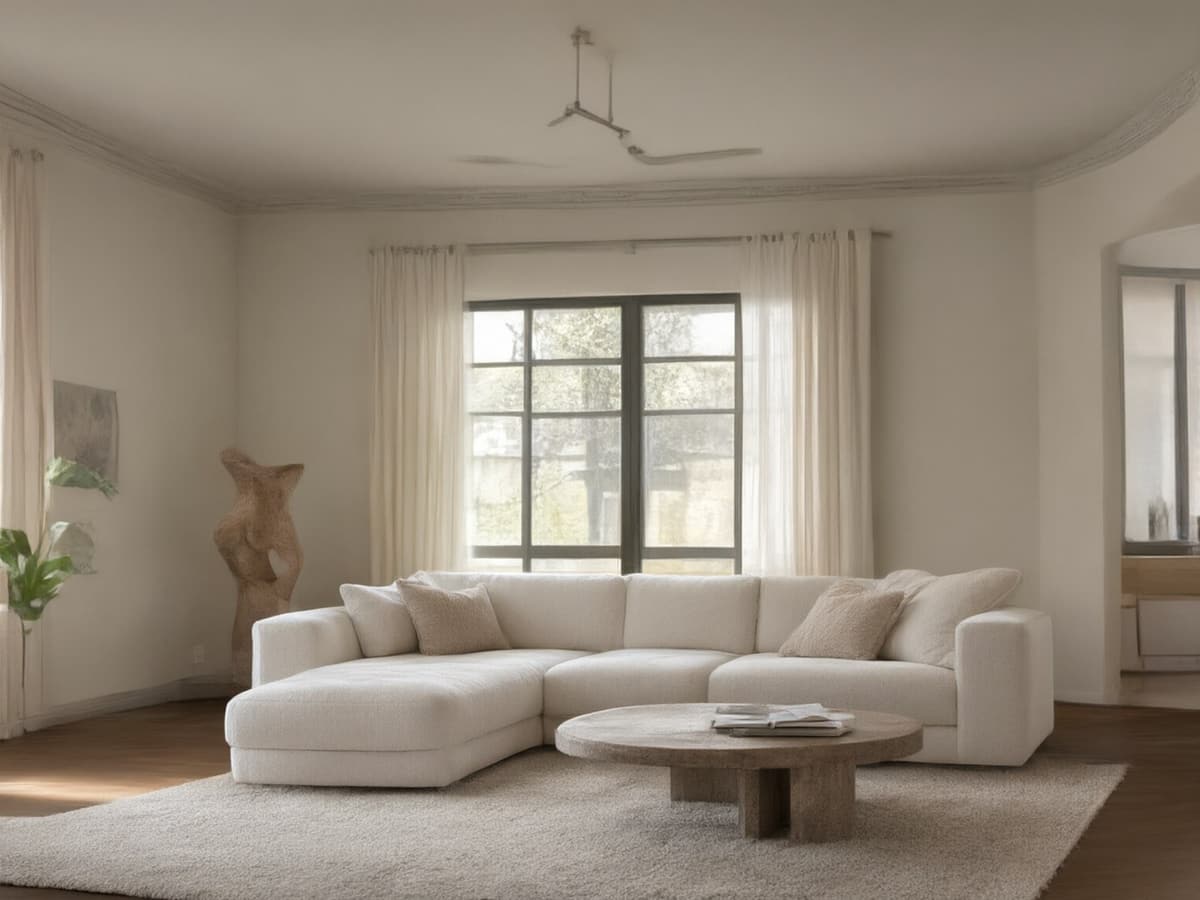
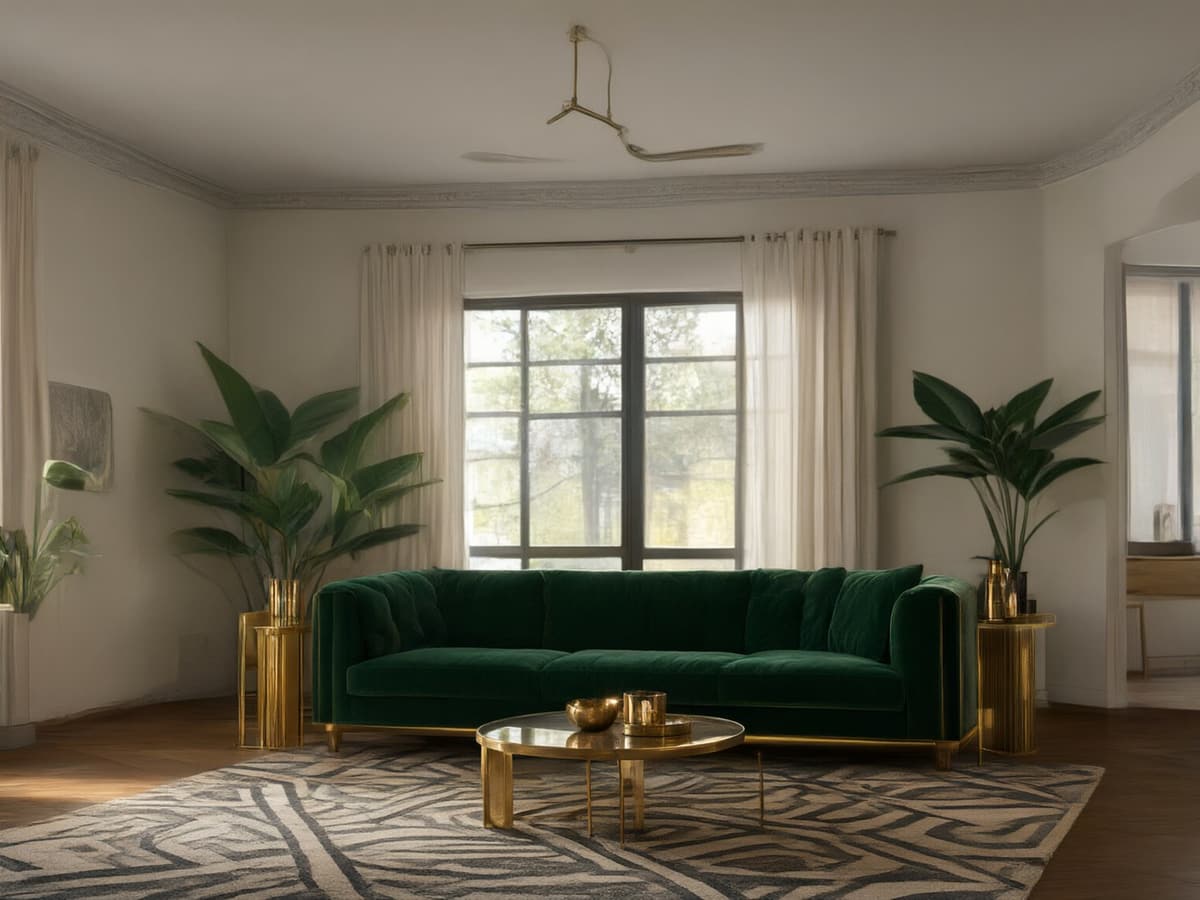
Ten presets, one living room, the same walls and window in every frame — all ten were rendered by RoomFloat from a single photo. A preset only changes furniture, textiles, lighting and finishes; the architecture stays where it is. Tap any style to load it in the tool.
Questions people ask before they upload
Can it retile a bathroom without changing the layout?
Yes — that is the core use. Keep structure on, name the tile and the metal finish, and the fixtures stay where they are while the surfaces change.
Will it keep my existing bath and shower?
If you ask. "Keep the bath and shower position, change tile and vanity" is honoured in most renders. Without that instruction the model may restyle the fixtures too.
Can I see brass tapware against my tile?
Yes, and it is the fastest way to answer that question. Generate chrome, brass and matte black from the same photo and compare — this one decision dates a bathroom more than the tile.
Does it handle windowless bathrooms?
Yes, if you say so. Mention "no window, artificial light only" and the render stops inventing a skylight.
Can I use it for a rental I am not allowed to retile?
Use it to plan what you can change: paint, mirror, hardware, textiles, lighting. The render will show you how far those go, which is usually further than people expect.
Is 2K needed for a bathroom render?
Only if you are sending it to a contractor. Tile texture is the one thing that benefits from more pixels, and a 2K export costs two credits instead of one; for deciding on a layout, 1K is enough.