RoomFloat
AI Room Design Free — No Signup
Upload a photo, choose a style, and see your room rebuilt in about 30 seconds. No account, no card, no design skills.
Built around “ai room design free” · 9,900 US searches/month (2026-09) · ai room design 6,600 · ai room redesign 8,100
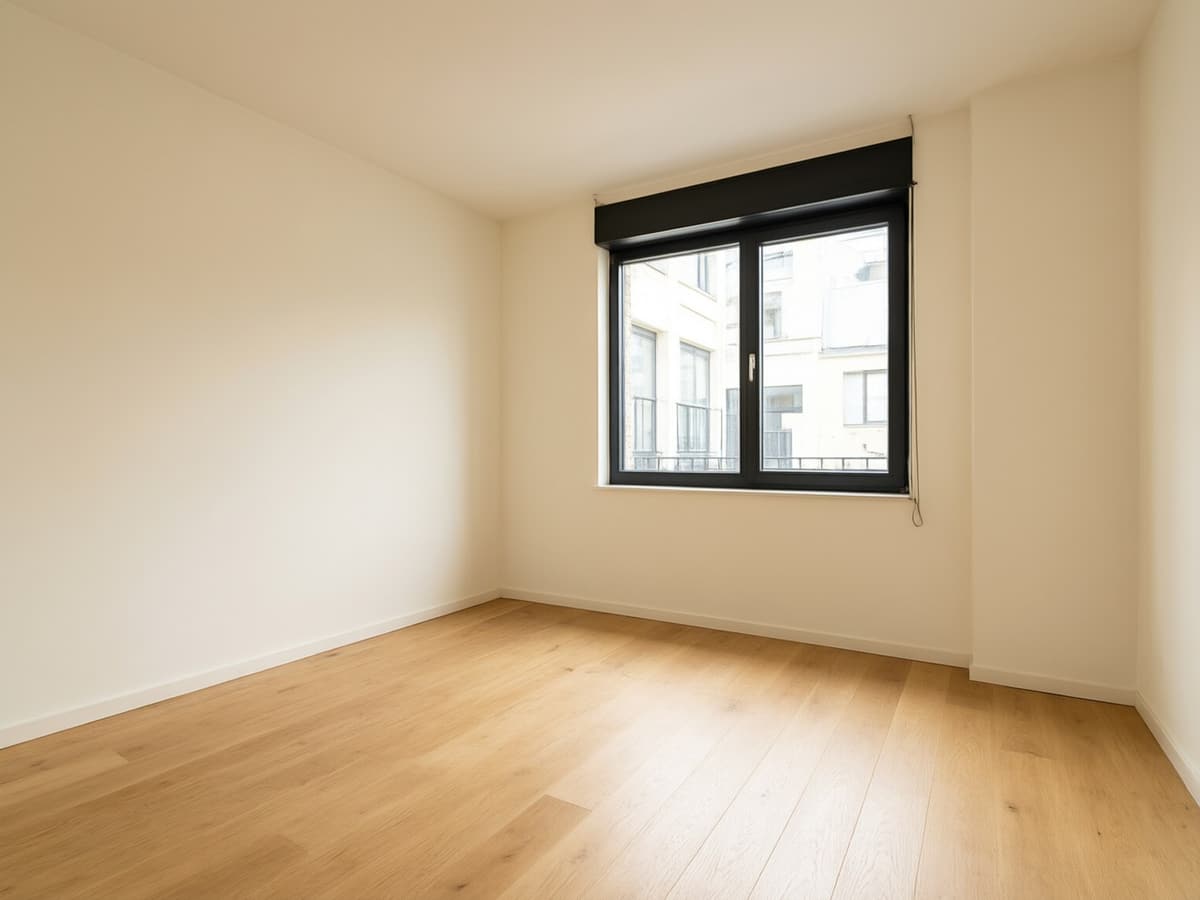
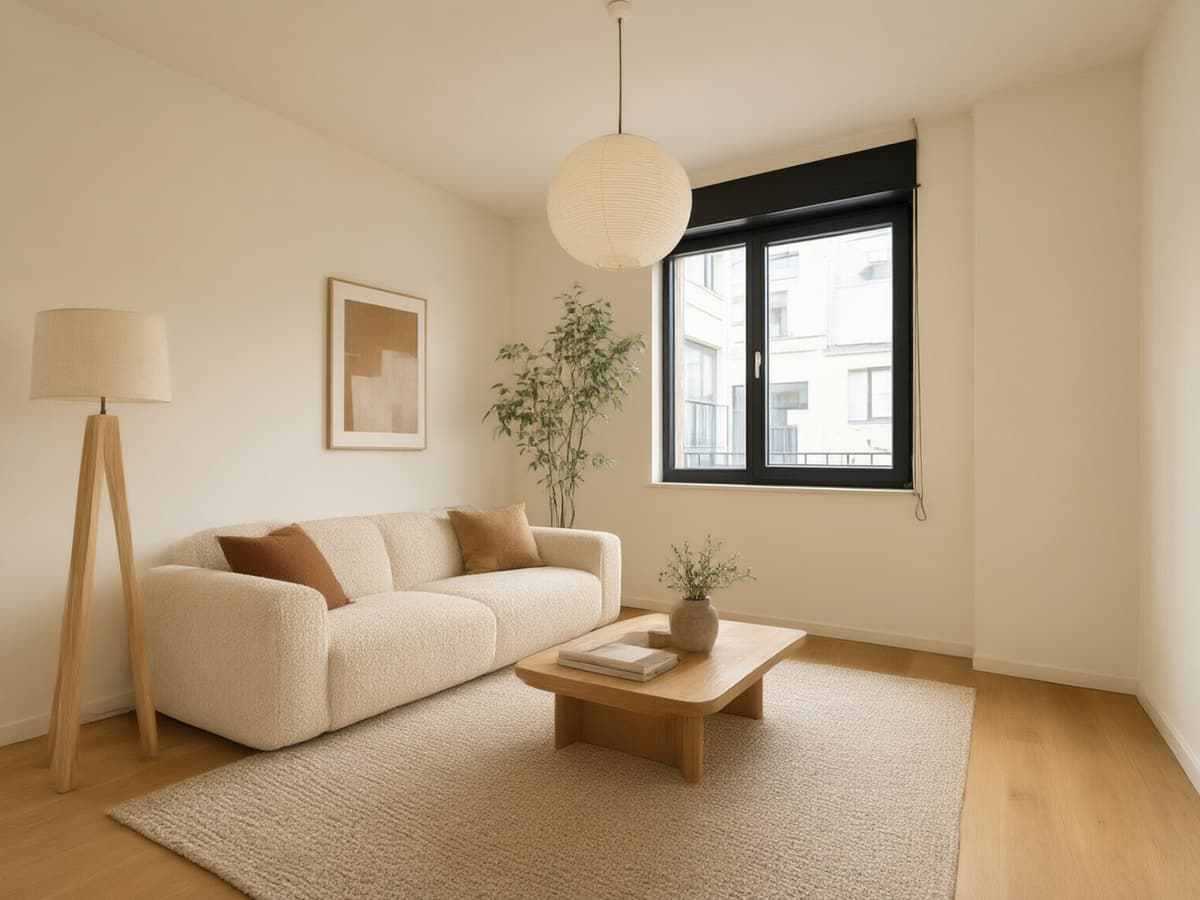
This pair was rendered by RoomFloat from one photo — upload yours to try it
One-time payment · credits valid 12 months · commercial licence included · Photos are private and available for 7 days. Download the designs you want to keep.
No account, no card for the first run. Packs start at $9.90 and never renew automatically.
Free AI Room Redesign
Most people who search for an AI room redesign already have a photo on their phone: the living room they are tired of, the bedroom they just moved into, the kitchen they cannot afford to gut. RoomFloat takes that photo and returns the same room with different furniture, lighting and finishes — same walls, same window, same camera angle. You are not browsing someone else's catalogue, you are looking at your own space.
The free run returns two renders at 1000×1000 with a small watermark, enough to judge whether the direction is right. If it is, credits buy the rest: four angles of the same room, no watermark, full resolution, and the ability to keep editing a single render with plain instructions instead of starting over.
- No signup for the free run — the photo stays in your browser until you press Generate.
- Ten room types and ten styles, plus a free-text style box when none of the ten fit.
- A Keep original structure switch, on by default, so the layout cannot drift.
- Every render is kept in History for twelve months, downloadable any time.
10 Room Types, 10 Styles
The room type matters more than the style name. A kitchen prompt needs to talk about cabinet fronts and worktop edges; a bathroom prompt needs tile, grout and glass. RoomFloat sends a different prompt skeleton per room type, then swaps in the style vocabulary — which is why the kitchen page gives you shaker doors instead of a sofa in a kitchen.
The ten styles are the ones people actually ask for: Modern, Scandinavian, Mid-century modern, Japandi, Industrial, Bohemian, Coastal, Farmhouse, Minimalist and Art Deco. If your taste sits between two of them, type it into the Custom field. "Warm minimalism with oak and travertine" works better than any preset, because it names materials instead of naming a decade.
Style presets never change the architecture. If you want a wall removed, that is a floor-plan job, not a render job — start with the room planner instead.
How RoomFloat Works
Three steps, one screen. Drop a photo (JPG, PNG, WEBP or HEIC up to 10MB, straight from an iPhone), pick the room type and style, press Generate. The renders arrive one at a time rather than all at once, so the first result is on screen in seconds and the rest fill in behind it.
The part that separates a toy from a tool is what happens after the first render. Each image has a Continue editing button that opens an instruction box: "make the cabinets matte black", "swap the rug for something flatter", "warmer light, later in the day". The edit applies to the render you picked, not to the original photo, so a fifth revision still looks like the fourth one plus one change.
- Upload or paste with ⌘V — no file picker required.
- Try a sample if you do not have a clean photo of the room yet.
- Renders stream in individually; a slow fourth image never blocks the first three.
- Download once, or keep iterating — the original photo is never overwritten.
Before & After
Every result is shown against the photo it came from, with a slider you can drag. That comparison is the honest test: if the window moved, the ceiling changed height, or the floor plan quietly rearranged itself, you can see it in one drag. It is also the fastest way to explain a design idea to somebody else — a partner, a client, a landlord who needs convincing.
The gallery below is a set of sample renders across room types, not a stock-photo mood board. Each one keeps the architecture of its source photo, which is the whole point: furniture is replaceable, walls are not.
Styles, one photo
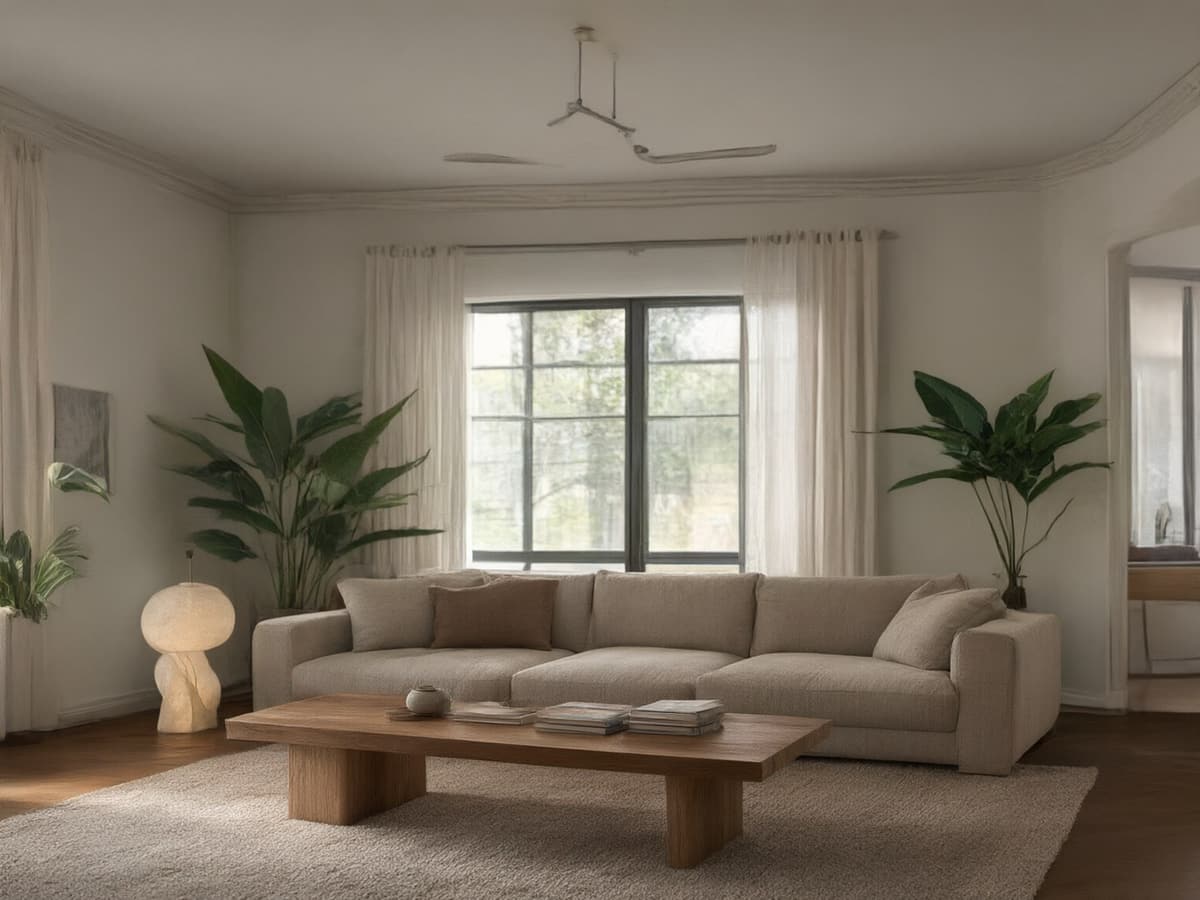
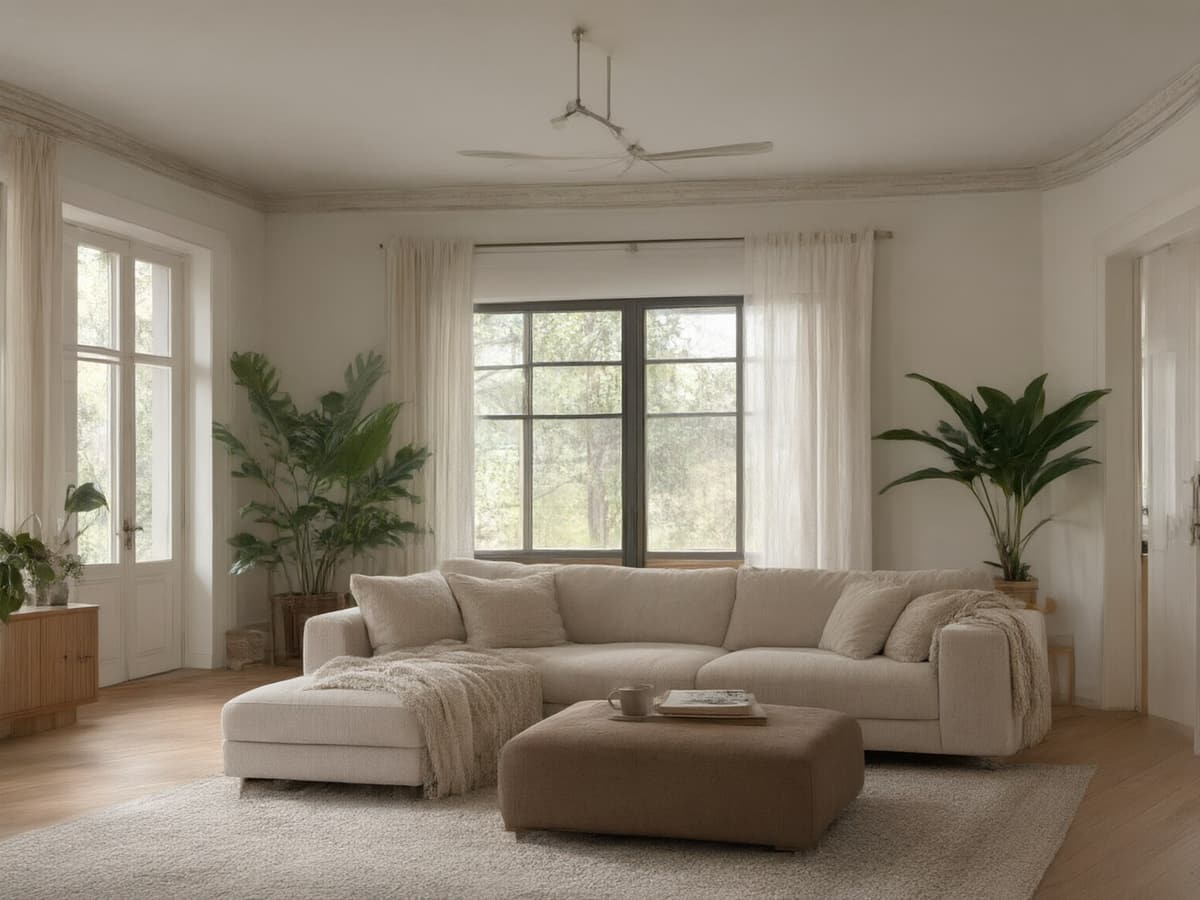
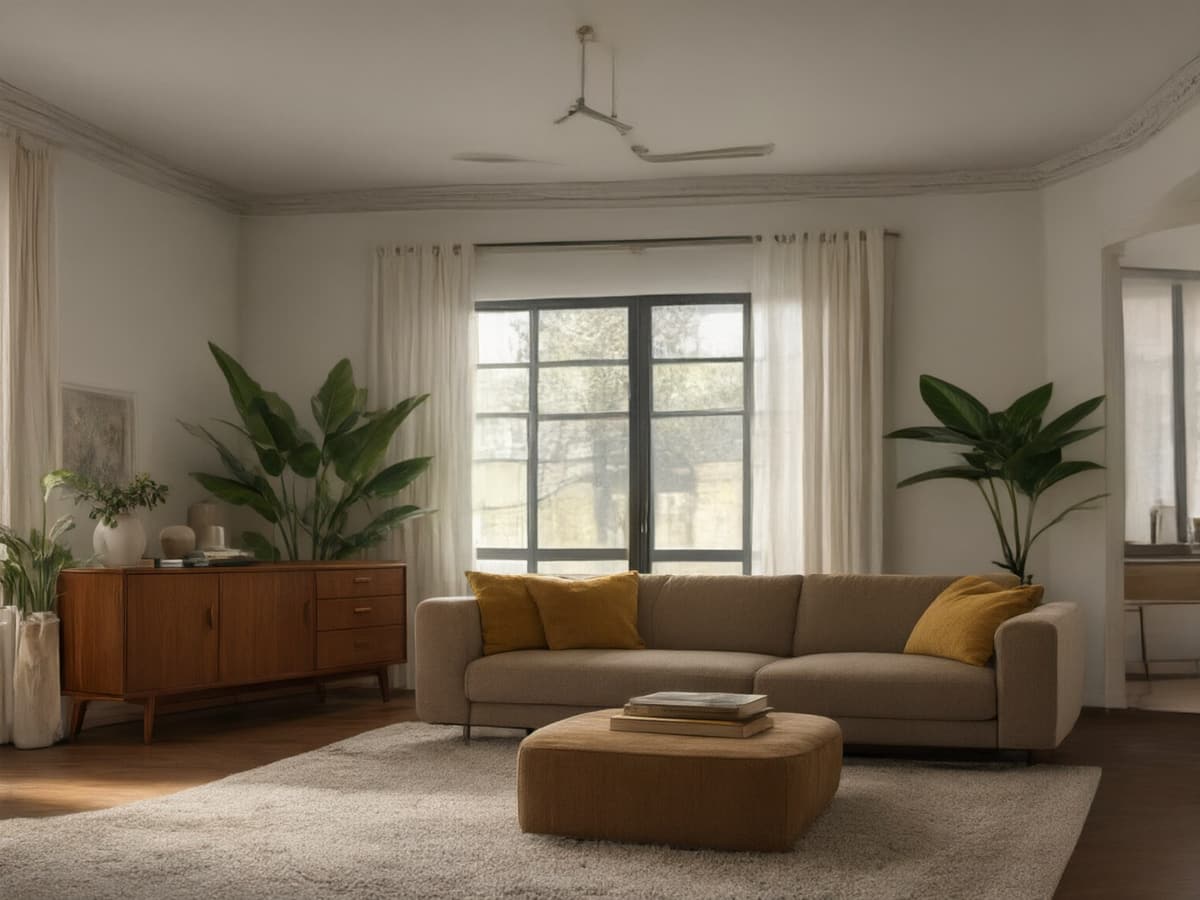
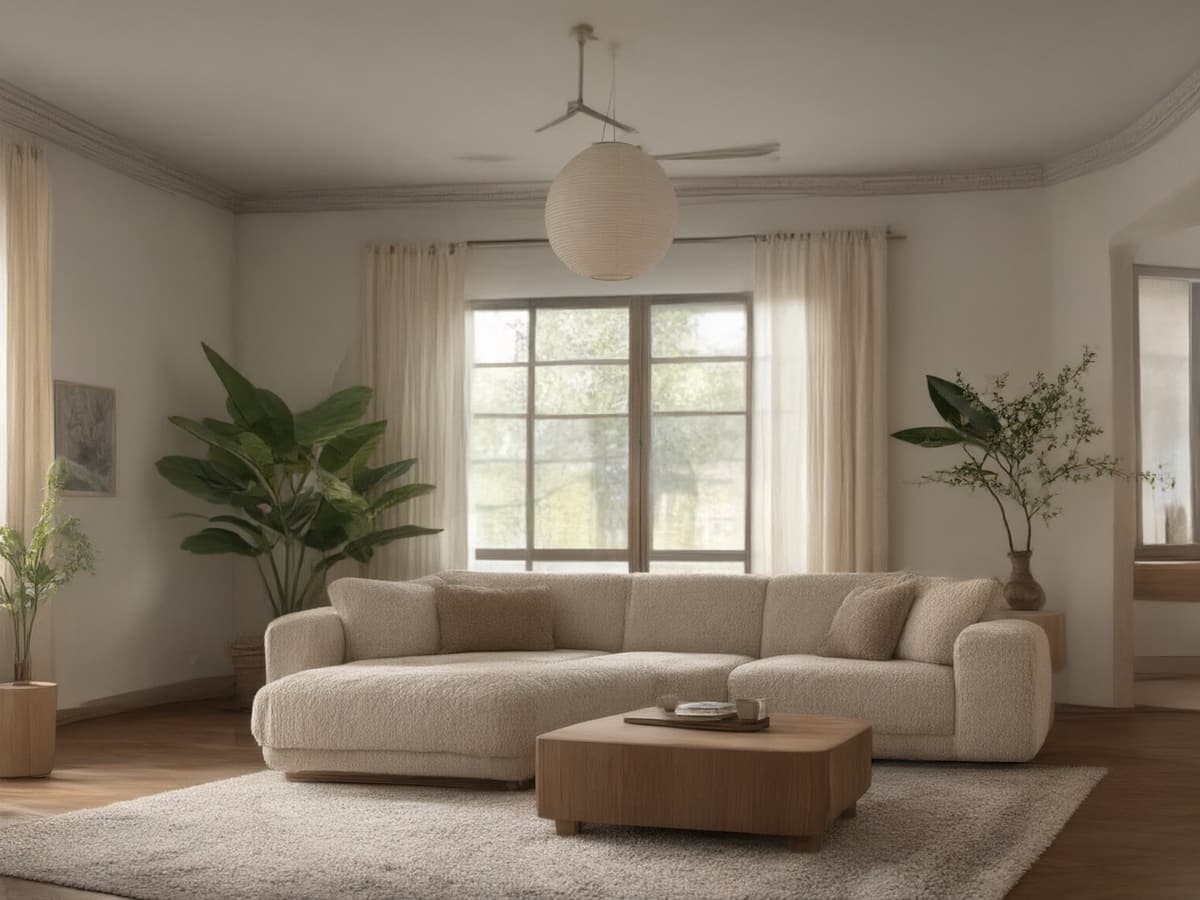
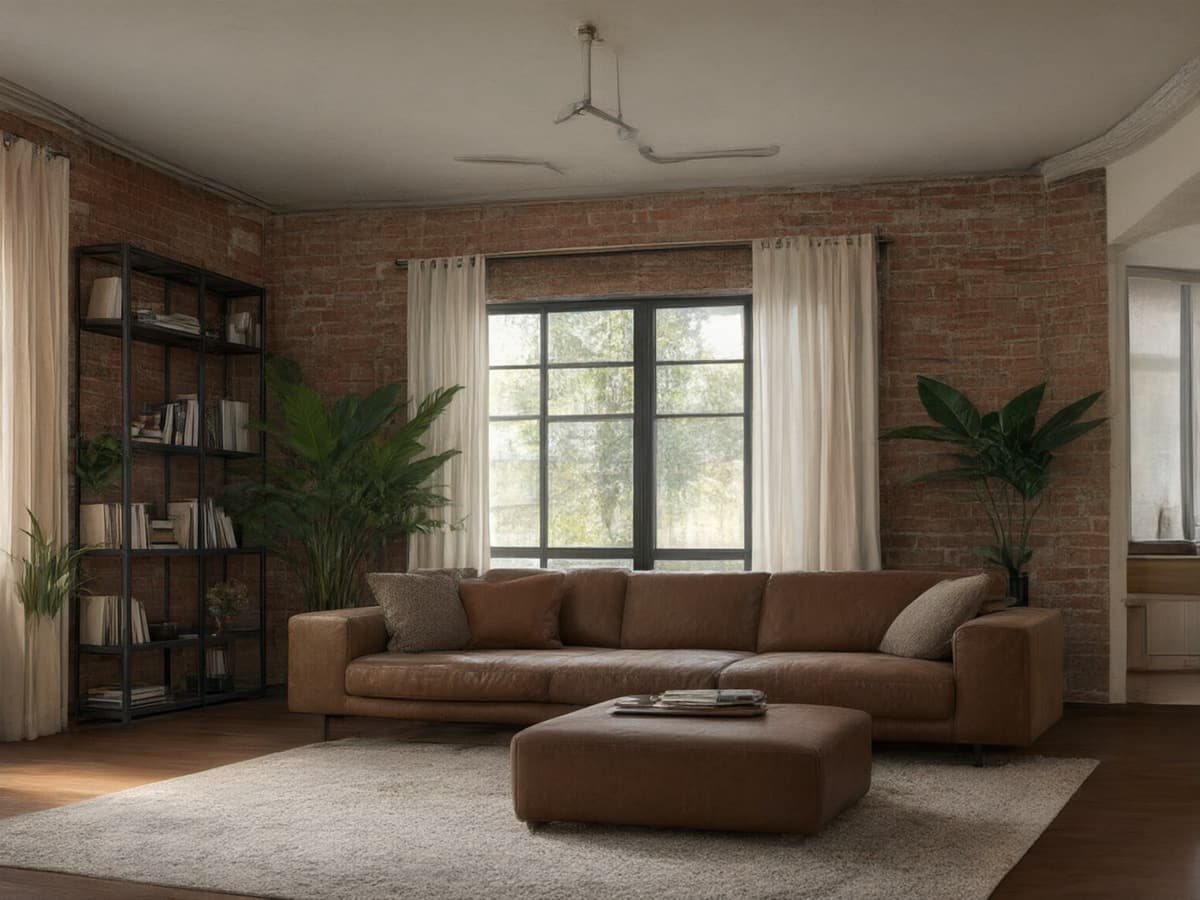
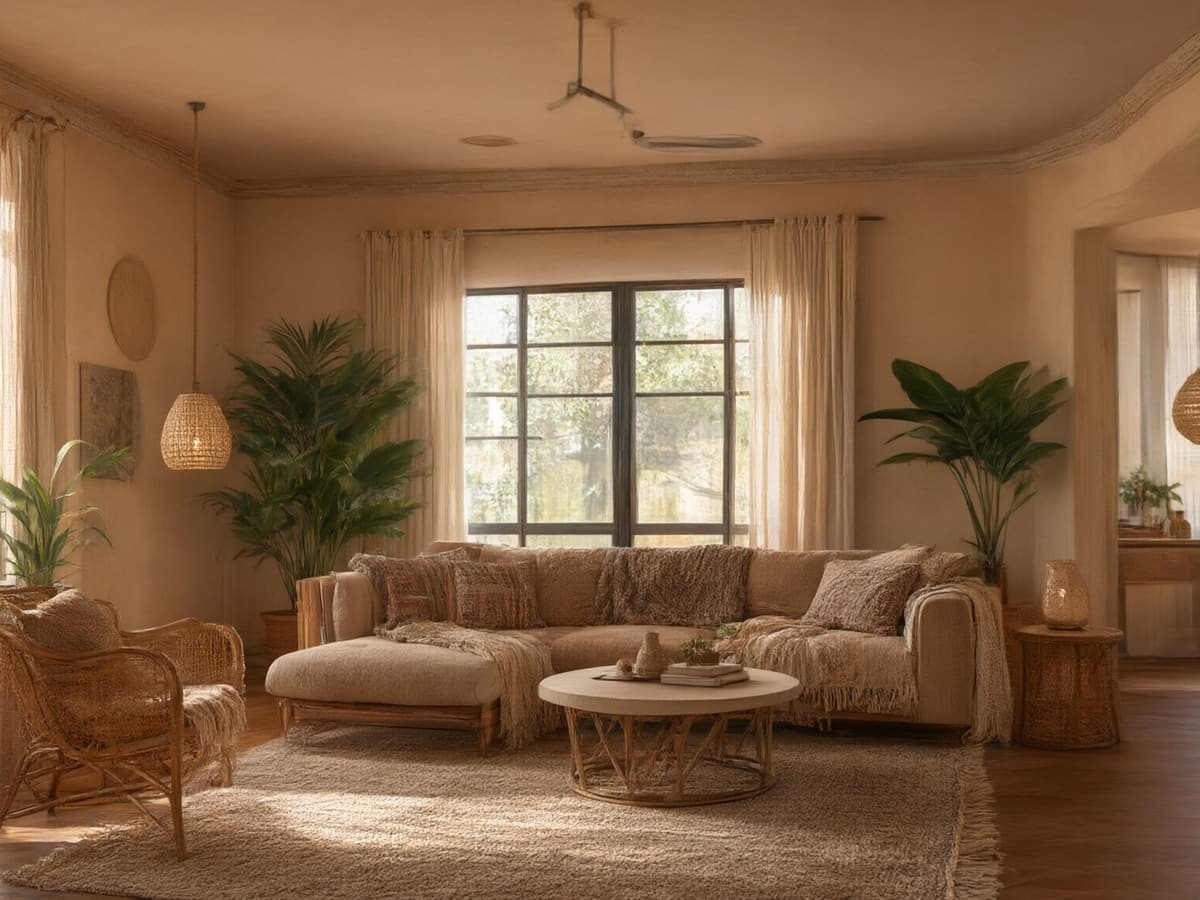
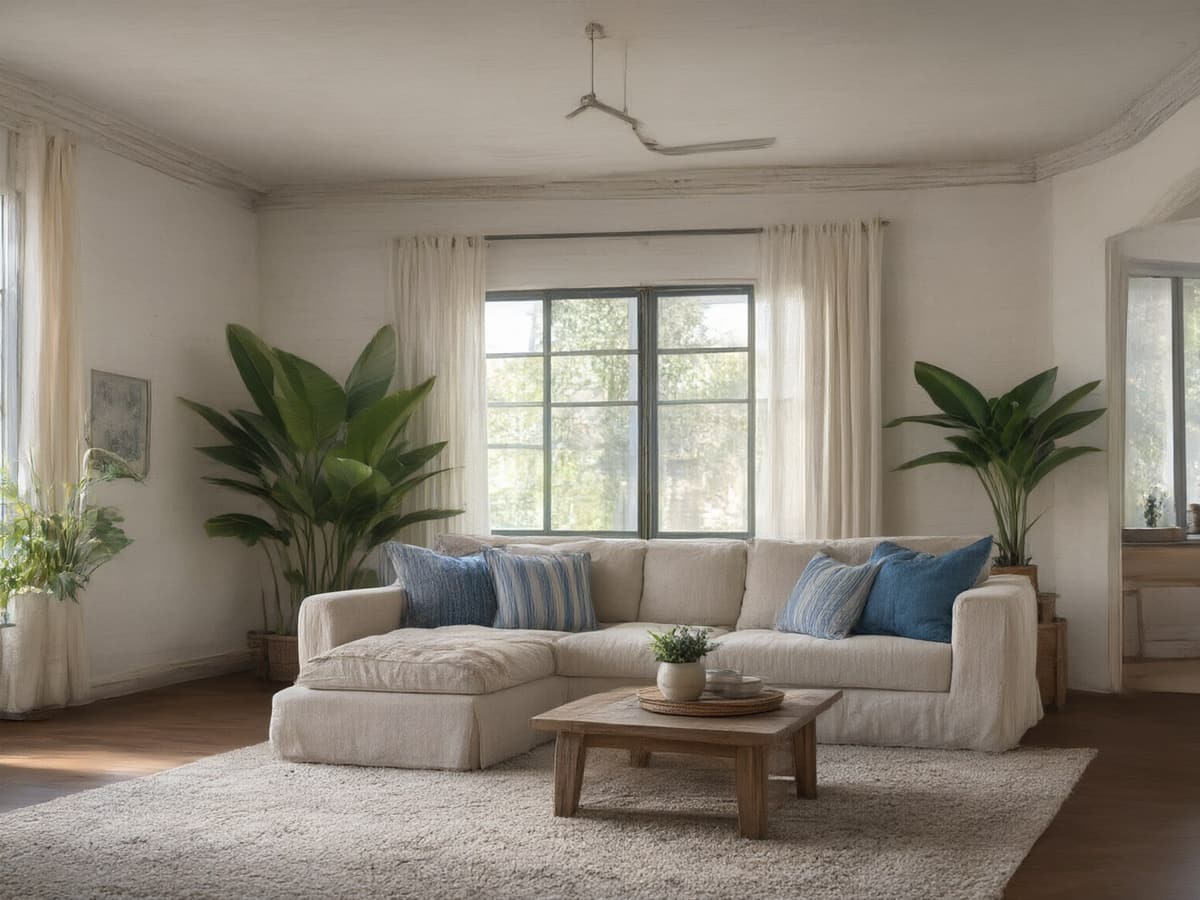
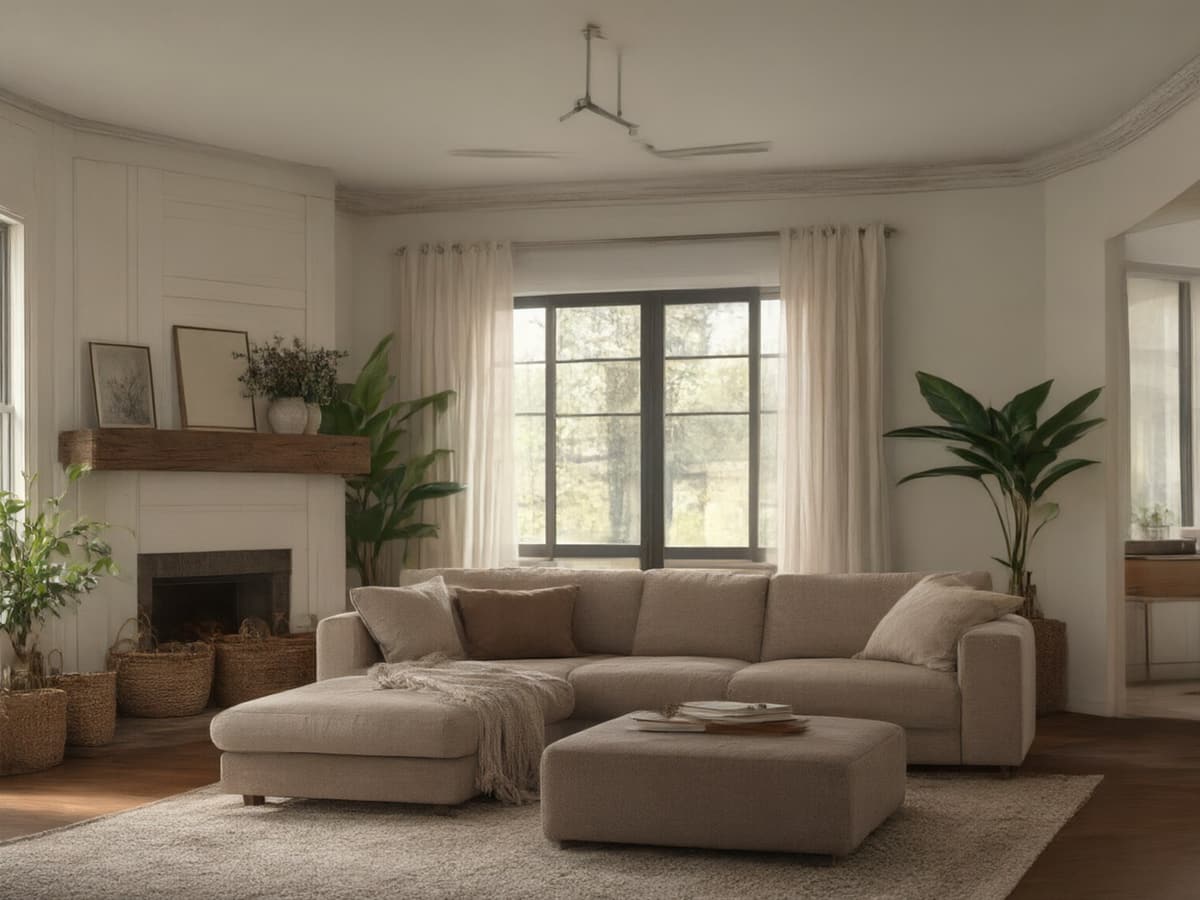
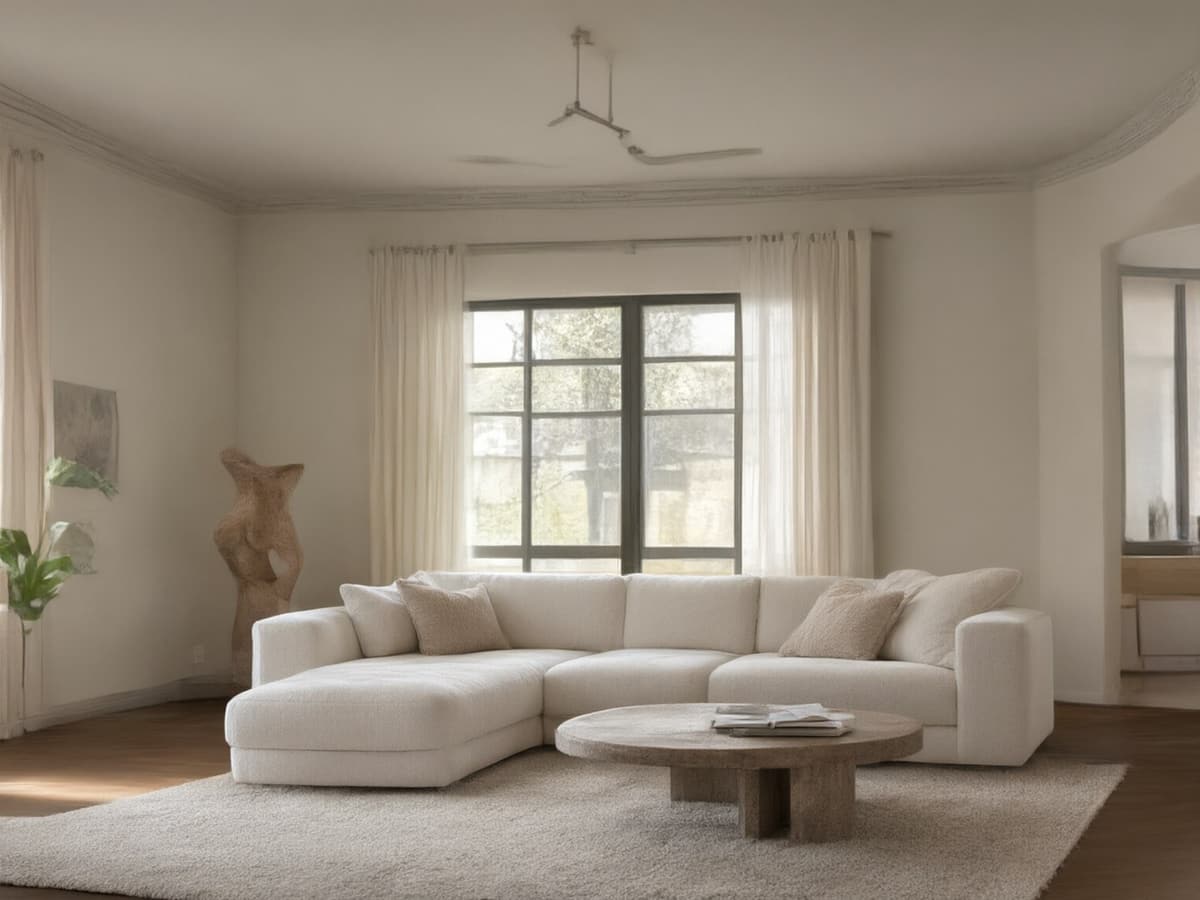
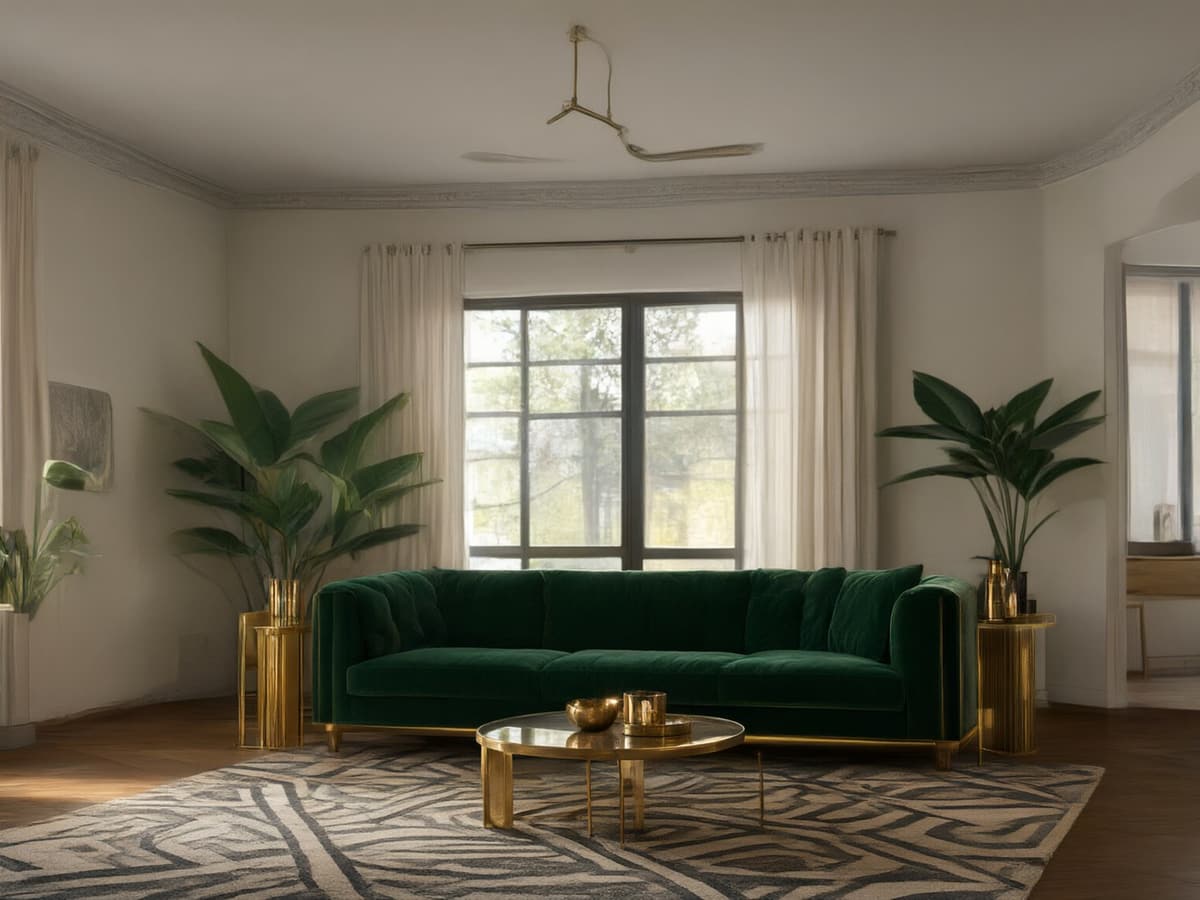
Ten presets, one living room, the same walls and window in every frame — all ten were rendered by RoomFloat from a single photo. A preset only changes furniture, textiles, lighting and finishes; the architecture stays where it is. Tap any style to load it in the tool.
Questions people ask before they upload
Is RoomFloat really free?
The first run is free and returns two watermarked renders at 1000×1000 — no account and no card. After that, credits start at $9.90 for 40 renders (about $0.25 per 1K image). Nothing renews automatically unless you pick the monthly Agent plan.
Do I need to sign up?
No. The free run is anonymous and your renders stay tied to this browser for twelve months. There is no account to create yet — credits live in the same browser identity, so if you clear site data you lose the session. Buying a pack is the only step that asks for an email, and that is for the receipt.
Will the AI change my room's layout?
Not by default. Keep original structure is on, which pins walls, windows, doors, ceiling and camera angle. Turn it off when you explicitly want furniture moved around, and expect the result to be a concept rather than a to-scale plan.
What photo works best?
A wide shot taken from a corner, lights on, no people or pets in frame, and as little clutter as possible. Phone photos are fine. Screenshots of listing photos work; heavily filtered Instagram shots do not, because the model copies the filter.
Can I use the renders commercially?
Yes — every paid render comes with a commercial licence, which covers listings, ads and client presentations. Free renders are watermarked and for evaluation only.
How long are my images kept?
Twelve months from the day you make them, then they are deleted. You can delete any render from History at any time; the source photo is deleted when the job finishes unless you keep the render.
Does it work on my phone?
Yes. The uploader accepts HEIC straight from iOS, drag-and-drop works on desktop, and the results grid stacks to one column on a narrow screen.